A JavaScript Bookmarklet to Colorize your Dialogue in jcink Posts
(This is a tool for roleplayers using particular forum software.)
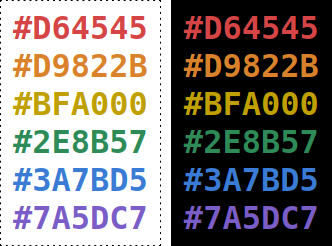
The button below will, when clicked, ask you to choose a color. It will then automatically identify, colorize, and boldface all dialogue within your post. Just click the bookmarklet and then click the color you want.
Step 0: Add the button below to your browser's “bookmarks toolbar”.
If your toolbar is hidden, you'll have to un-hide it first.
For Firefox and Chrome, you can simply drag the button.
For Opera, right-click the button and copy the address, then create a new bookmark and paste the address.
Step 1: Compose your text.

Step 2: Click the button and choose your color.
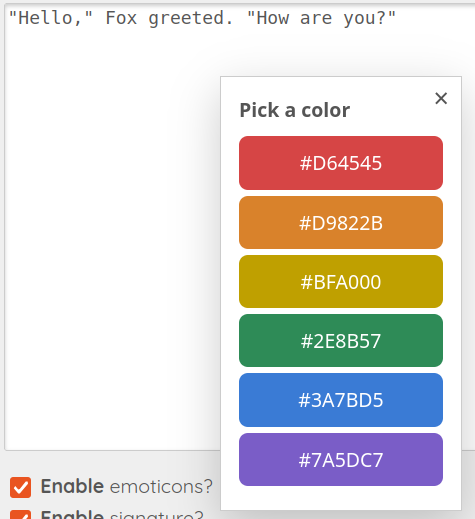
Step 3: The button formats your text.

Step 4: Preview your post.

You can click the button again and choose a different color if you want.
It will strip the prior color before applying the new one.
Be warned that the button will treat anything surrounded by double-quotes as a quotation. If you want to include “scare” quotes in a post, I suggest you use single-quotes or italics for that purpose.